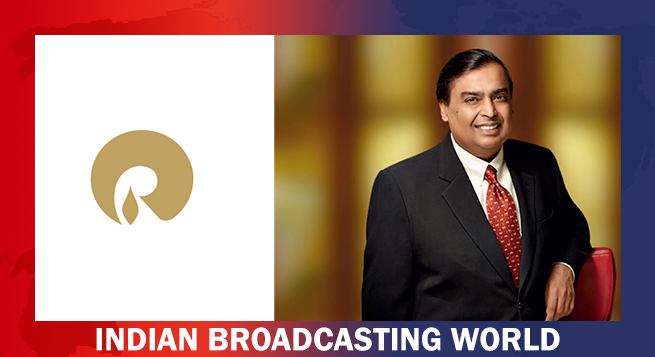
 Without naming Musk, RIL says it welcomes satcom competition
 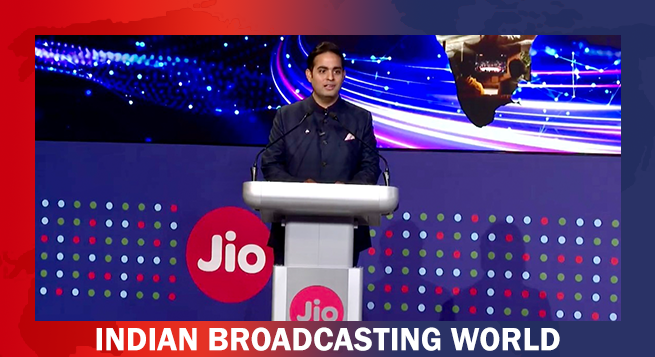 Akash Ambani banks on selling more services to up revenue
 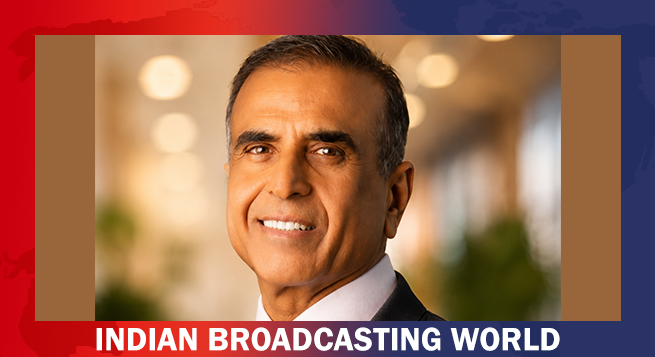 Sunil Mittal says OneWeb ahead of Musk in Indian approval queue
 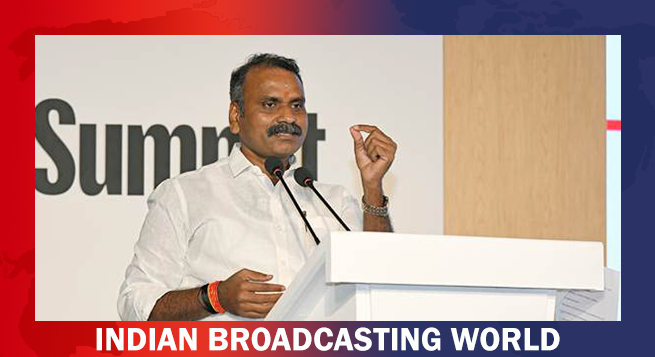 Murugan resigns from Cabinet as Mos MIB & Rajya Sabha
  Broadcasters flag HD-SD conversion, satellite spectrum concerns in submission to MIB on telecom rules 2026
  Eros Music Worlds releases new Navratri songs every day
 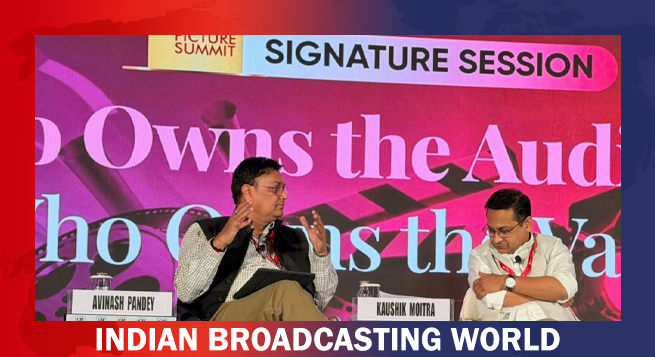 IBDF’s ’ Pandey flags audience trust, measurement for media growth
 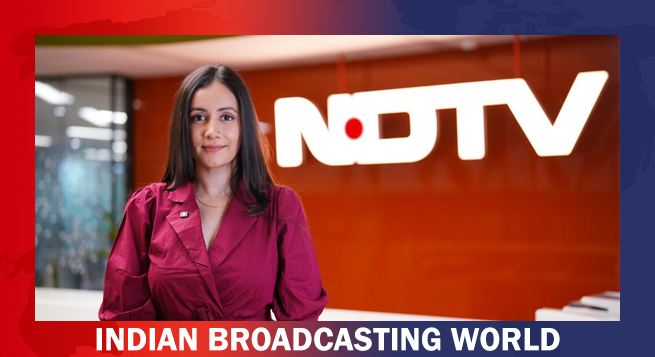 Meher Bajwa joins NDTV Good Times as Editor
 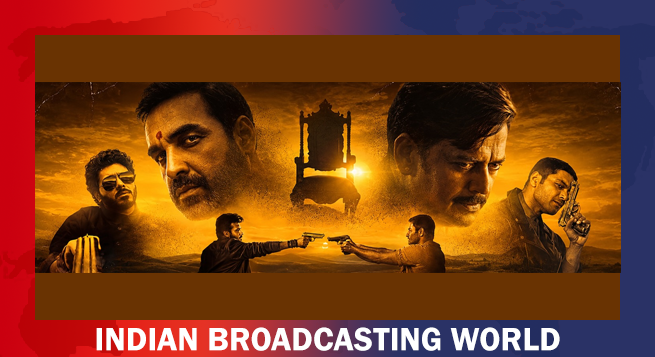 India ‘26 BO hits Rs.11,000cr in Sept.; ‘Mirzapur:The Movie’ leads
 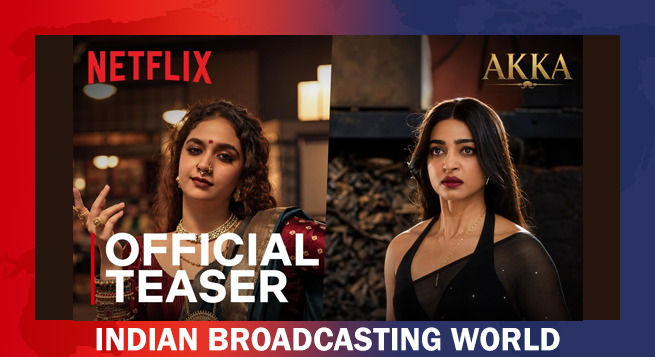 Netflix’s ‘Akka’ teaser unveils Keerthy Suresh, Radhika Apte’s gangster rivalry



In continuation of Amazon Prime Video’s recently launched global feature, Amazon Original Profile Images, Prime Video customers in India will now be able to take on the persona of their favorite character from Amazon India Originals as their profile avatar on the service.
As per the company’s press release, from Munna Tripathi in Mirzapur to Srikant Tiwari in The Family Man, Siddhi Patel in Four More Shots Please, Haathiram Chaudhary in Paatal Lok, Panchayat, and many more, viewers have an array of characters to choose from for their profile avatars.
The recently introduced feature also includes characters from some of the most loved international originals along with the Indian Originals on the service. Available on all devices that support Prime Video, the images can easily be used by customers to update their profiles.
Talking about the latest feature, Sushant Sreeram, Director – Marketing, Amazon Prime Video India said, “Amazon Original Series’ such as The Family Man, Mirzapur, Four More Shots Please! Paatal Lok and many more have witnessed great fandom across the country. Born out of deeply local and authentic narratives, our Originals have introduced customers to characters that have not only become a part of pop culture but have also made their way into everyday lives. In our continued efforts to offer a truly immersive experience to our customers, we are thrilled to launch profile avatars inspired by the many popular Indian Amazon Original characters. The launch of these avatars is just another way for us to enable fans to engage deeper with the shows and characters they love.”
To change or select a Prime Video profile image:
Through the Prime Video app on iOS devices:
- Tap on My Stuff at the bottom of your Prime Video app screen.
- Click on the profile name to open a drop-down menu, then select Edit. Choose the profile whose image you want to change.
- On the Edit Profile screen, tap your profile image and make a selection from the available list.
- When creating a new profile, click the profile image and make a selection from the available list.
Through the Prime Video app on Android devices
- Tap on My Stuff at the bottom of your Prime Video app screen.
- Click on the profile name to open a drop-down menu, then select ‘Manage profiles.’
- On the Edit Profiles screen, tap on the Edit icon at the side of your profile image
- On the Edit Profile screen, tap your profile image and make a selection from the available list.
- When creating a new profile, click the profile image and make a selection from the available list.
On the Prime Video website
- On the Prime Video home page, Select the profile image in the top right.
- Click on Manage Profiles, and then click on the ‘Edit profile’ on the Who’s Watching?’ screen.
- Select the profile you want to edit. Click on the profile image and select from the available list
4.When creating a new profile, click the profile image and make a selection from the available list.
On the Prime Video app on supported connected devices
- Select the profile image in the top menu.
- Use your device’s remote control to highlight the profile you wish to edit, then select Edit below it.
- Select the profile image and make a selection from the available list.
- When creating a new profile, use your device’s remote control to click on the profile image and make a selection from the available list.