 Govt. asks Netflix not to stream content originating in Pakistan
 Film bodies demand ban on Netflix’s Pakistani series in India
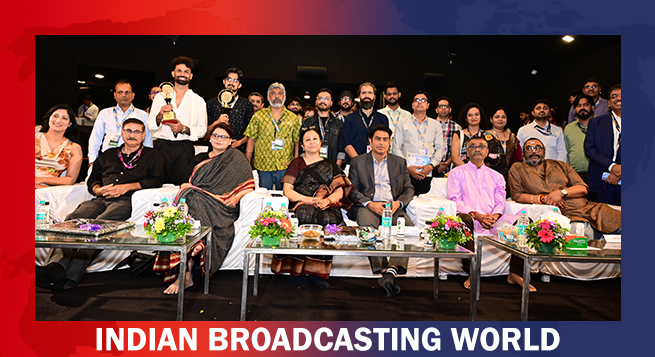 Prasar Bharati’s ‘Page Se Pitch Tak’ crowns first winners at IFFI
 IFFI panel explores Goa’s potential as a filmmaking destination
 Have a Story to Tell? Sony & WAVES Bazaar Want to Hear It
 TRAI expands 1601 number series to more sectors, including DPOs
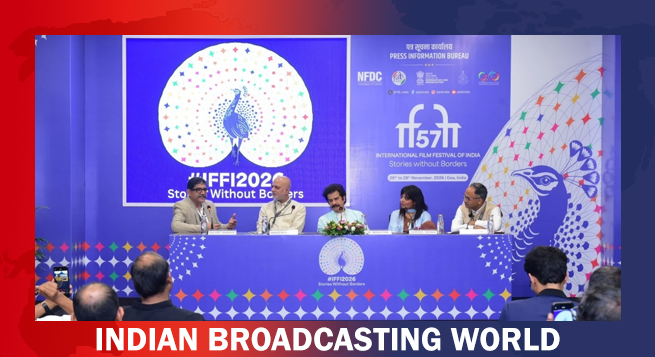 IFFI jury highlights OTT’s growing opportunities
 UK , Australia partner to improve online safety
 SRK , Kareena reunite in ‘Daddy Cool’ song





Swedish auto streaming platform Spotify has introduced a new feature called Enhance, which will automatically spiff up the playlists with recommended songs that will fit in the user’s music existing style.
The feature works through a new Enhance option that will appear at the top of playlists, ANI reported.
Enhance-recommended songs will be marked with a bright green sparkles icon to indicate that they weren’t part of the original list and can be added permanently by tapping the plus button that appears next to the song.
Songs added through the new feature won’t replace or mess with user’s existing playlist songs, though, and can easily be removed by simply toggling off the Enhance button at the top of the playlist.
Users won’t have to worry about the recommendations drowning out their original songs – Spotify will only add a maximum of 30 songs, with the additions spaced out after every two tracks.
Enhanced playlists are available on both Android and iOS and are set to roll out over the next month to Spotify Premium subscribers in the following countries: Andorra, Australia, Austria, Belgium, Bulgaria, Canada, Cyprus, Czech Republic, Denmark, Estonia, Finland, France, Germany, Greece, Hungary, Iceland, Ireland, Israel, Italy, Latvia, Liechtenstein, Lithuania, Luxembourg, Malta, Mexico, Monaco, Netherlands, New Zealand, Norway, Poland, Portugal, Romania, Slovakia, Spain, Sweden, Switzerland, Turkey, UK, and the US.
The company stated that it will roll out the feature to additional countries in the future.