 Govt. clarifies CBFC certification changes, says 1991 core framework unchanged
  Govt. invites 13 MSME, startups for initial evaluation for digital ad panel
  Karandeep Anand to be Disney’s first CTO, a newly created post
  Ganguly-hosted ‘Bigg Boss Bangla’ sets streaming benchmark
  Javier Bardem joins HBO’s ‘The Spread’



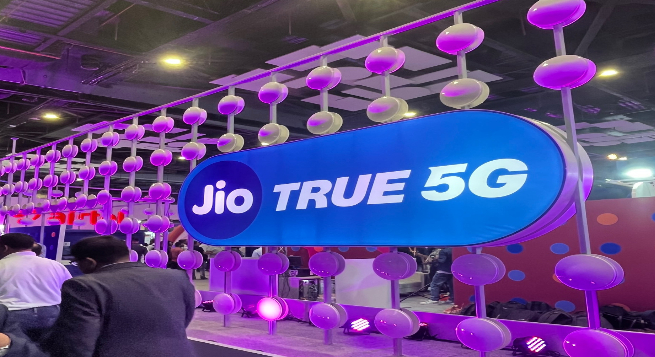
Customers with iPhones 12 and later models will have immediate access to 5G under the Jio Welcome Offer after updating their software.
To use a Jio 5G connection on an iPhone 12 or later models, go to Settings, General, Software Update and then Update to the latest iOS version.
Users should then go to Settings, General and About, and, if prompted, follow the steps to update to the most recent carrier settings.
Finally, to use the Jio 5G connection, go to Settings, Mobile Data, Voice, and Data, and then select 5G Auto and 5G Standalone On, IANS reported from New Delhi.
Apple announced earlier this week that 5G cellular support has been enabled for the new iPhone 14, iPhone 13, iPhone SE, and iPhone 12 lineups in India, as the country enters the 5G era.
Customers will need to update to iOS 16.2 to use a 5G connection with Reliance Jio on an iPhone 12 model or later. This update also includes a slew of new features.
Apple last month enabled 5G in the iOS 16 Beta software program week for select iPhone users in the country.