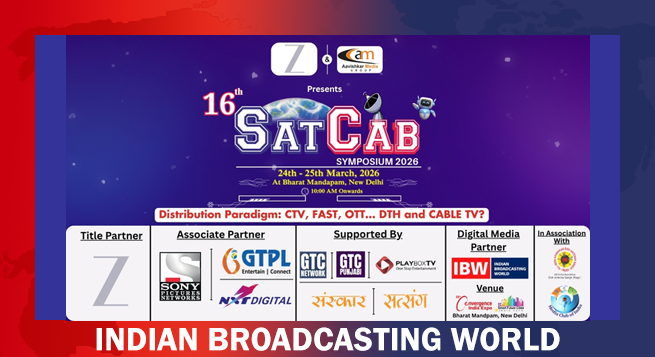
 SATCAB 2026 to spotlight future of broadcasting, OTT, digital media
  NCW summons Nora, Sanjay Dutt, Badshah over obscene songs
  On vulgar song, CBFC clarifies digital content not certified by it
  Sanjay Dutt, Norah Fatehi song in the eye of obscenity storm
  ‘Punha Ekda…’ to stream on Ultra Jhakaas from Mar 19
  Young leadership takes charge at Network18 as Avi Kaul moves on
  ‘Dhurandhar2’ delivers record opening day earning of Rs. 1bn+
  Indian Men’s T20 WC victory run saw cricketers, brands jostle for dominance
  Zee Telugu to air ‘Bhartha Mahasayulaku…’ March 22



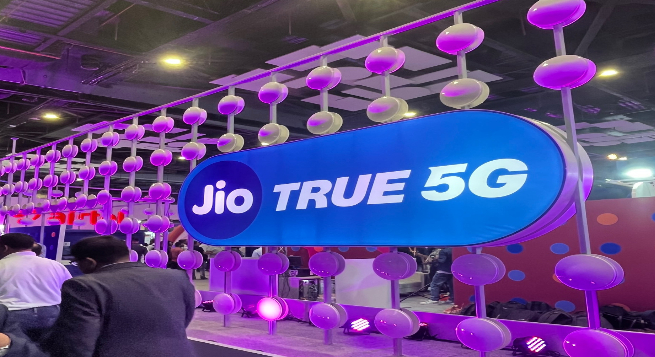
Customers with iPhones 12 and later models will have immediate access to 5G under the Jio Welcome Offer after updating their software.
To use a Jio 5G connection on an iPhone 12 or later models, go to Settings, General, Software Update and then Update to the latest iOS version.
Users should then go to Settings, General and About, and, if prompted, follow the steps to update to the most recent carrier settings.
Finally, to use the Jio 5G connection, go to Settings, Mobile Data, Voice, and Data, and then select 5G Auto and 5G Standalone On, IANS reported from New Delhi.
Apple announced earlier this week that 5G cellular support has been enabled for the new iPhone 14, iPhone 13, iPhone SE, and iPhone 12 lineups in India, as the country enters the 5G era.
Customers will need to update to iOS 16.2 to use a 5G connection with Reliance Jio on an iPhone 12 model or later. This update also includes a slew of new features.
Apple last month enabled 5G in the iOS 16 Beta software program week for select iPhone users in the country.